Solar Monitoring and Energy Management
Sunways Cloud
Sunways Cloud is Sunways’ solar monitoring and energy management platform. View plant status, device information, alarms and generation trends through Sunways Portal on the web or the Sunways Portal app. Whether you own a solar system or manage customer installations, Sunways Cloud helps you understand system operation and access the information you need.
Understand Your Energy System
Connected Monitoring and Energy Management
Bring plant monitoring, device information and energy data together in one platform. Sunways Cloud helps system owners follow their installation’s performance and supports installers and service teams in reviewing operating conditions.
From checking generation trends to investigating device alerts, the platform provides information to support everyday monitoring and maintenance.
Explore Advanced Energy Management
Sunways’ smart energy technologies include AI energy management, virtual power plant resource aggregation and energy trading interfaces. For projects requiring these capabilities, contact Sunways to discuss supported equipment, integration requirements and availability in your market.
Monitoring Tools for Everyday Operation
Explore Sunways Cloud Capabilities
Review system information, follow generation trends and access monitoring tools for your connected installation.
01
Plant and Device Monitoring
- View plant information and connected device status to understand how your installation is operating.
Energy Flow Visualization
- Explore the energy flows available for your system to understand the relationship between generation, storage and consumption.
03
Generation History and Trends
- Review historical generation data and compare performance across available time periods.
Alerts and Fault Information
- Check device alerts and fault information to help identify issues that may require attention from your installer or support team.
05
Remote Operation & Maintenance
- Use supported remote tools to review device conditions and carry out configuration or firmware updates with the appropriate permissions.
06
Reports and Data Export
- Access available reports and export generation data for further review and record keeping.
Web and Mobile Access
Access Sunways Cloud Your Way
Use Sunways Portal in your browser or the Sunways Portal app on your mobile device to access your account and review your solar installation.
Sunways Portal Web
Review plant information, device status and generation data from a browser. For installers and service teams, the web portal provides a workspace for reviewing customer installations and accessing the management tools available to their accounts.
Sunways Portal App
Check your installation from your mobile device. The Sunways Portal app brings together generation information, system data and fault alerts, helping you follow system operation while away from your computer.
Tools for Different Users
Monitoring for Owners, Installers and Partners
Find the information and tools relevant to your role, from reviewing a single installation to managing customer plants.
Distributors and Partners
Maintain an overview of the customer plants and installer accounts available to your organisation. Review plant information to support coordination with installation and service teams.
Installers and Service Teams
Review device status, investigate reported faults and use supported remote maintenance tools. Gather relevant system information before deciding whether further investigation or an on-site visit is needed.
System Owners
Follow your solar generation and review the energy information available for your installation. Check system alerts and share relevant details with your installer when you need assistance.
Get Started with Sunways Cloud
Start Monitoring Your Solar System
Find the information and tools relevant to your role, from reviewing a single installation to managing customer plants.
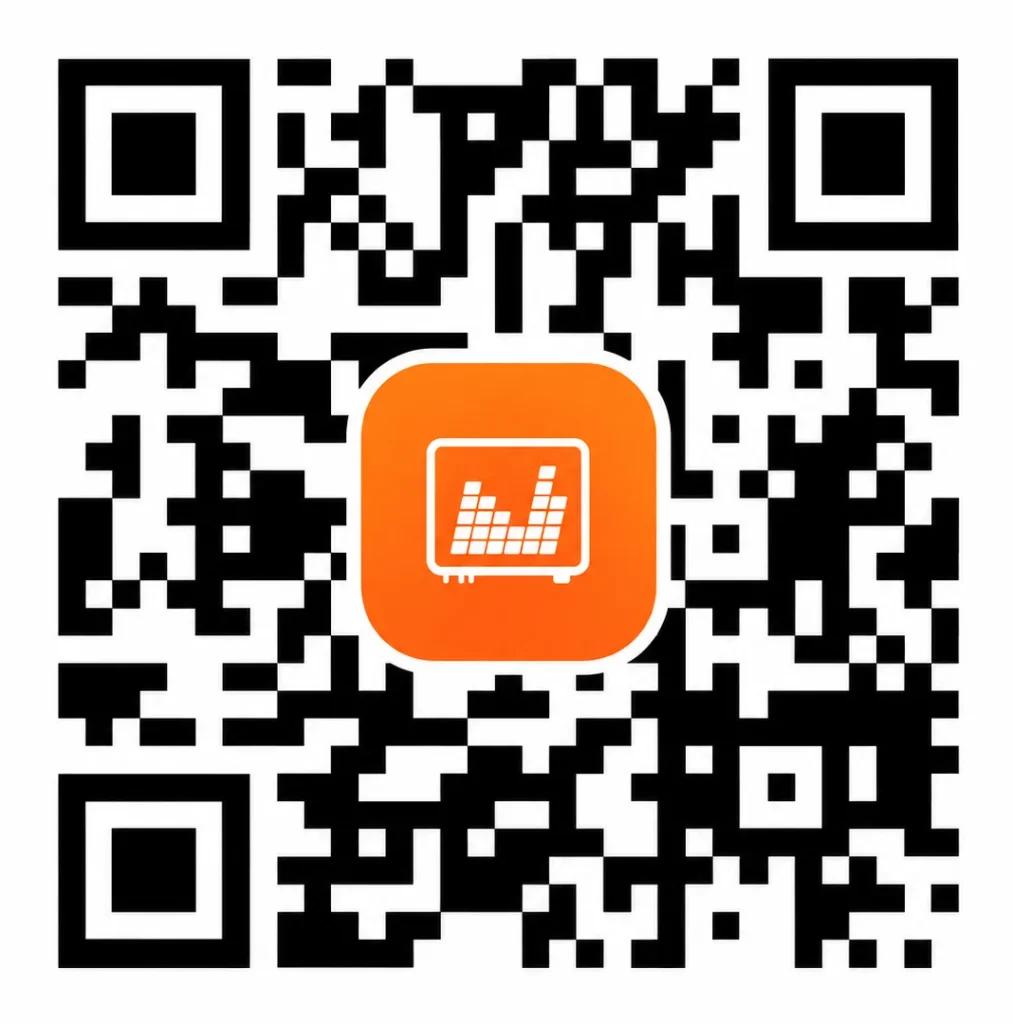
Download the Sunways Portal App
— Scan to View App Download Options
Step1: Open Sunways Portal
Use the web portal in your browser or open the Sunways Portal app on your mobile device.
Step2: Access Your Account
Sign in with your account details. If you are a new user, follow the registration options shown for your account type.
Step3: Find Your Plant or Device
Open the plant or device available in your account to begin reviewing system information. If your installation is missing, contact your installer or Sunways technical support for help.
Need Help with Sunways Cloud?
For help with account access, plant visibility, monitoring connections or device alerts, contact Sunways technical support.
Include your product model, a description of the issue and any relevant screenshots so the support team can understand your request.